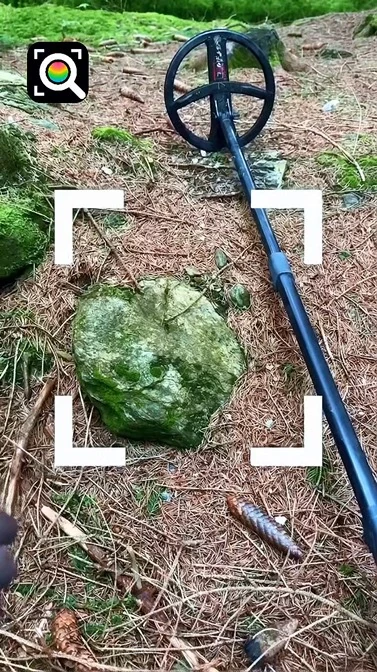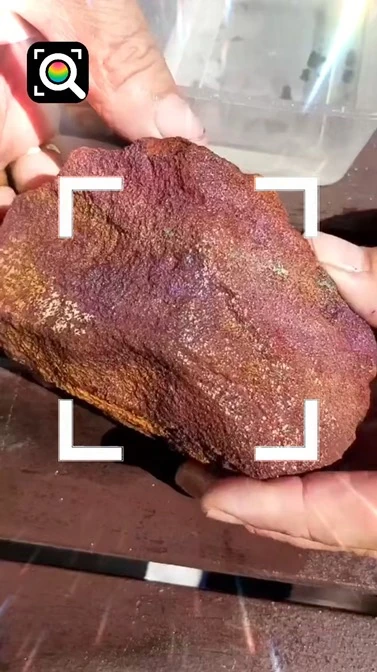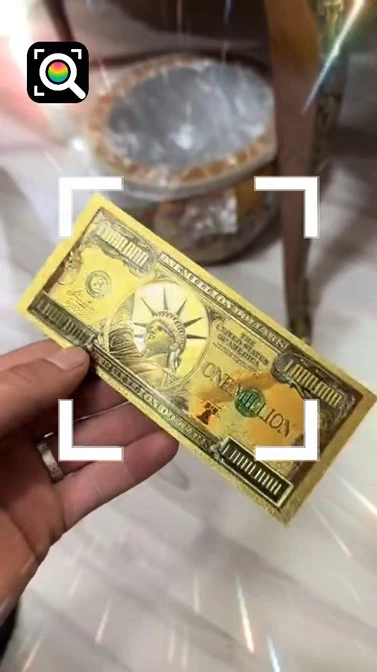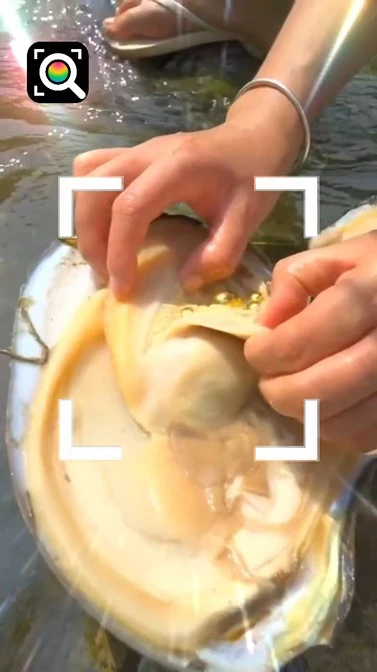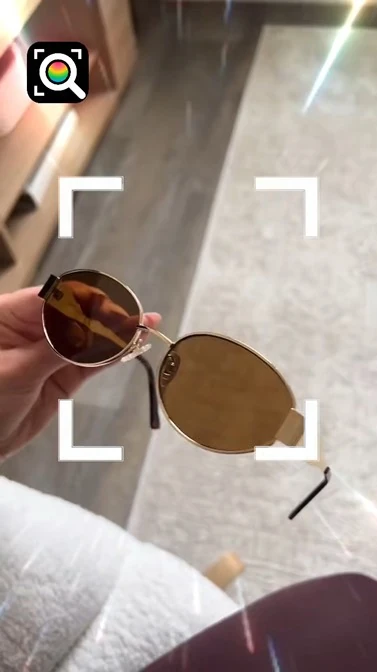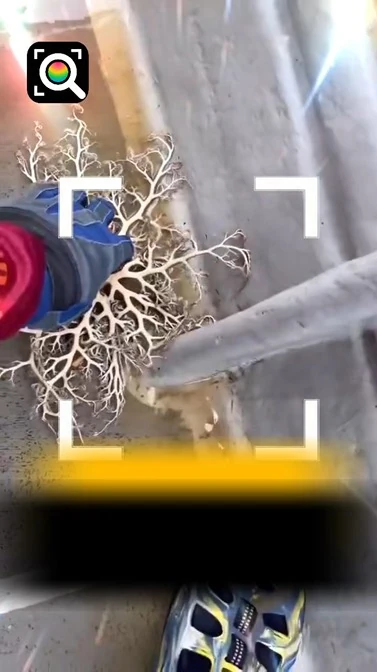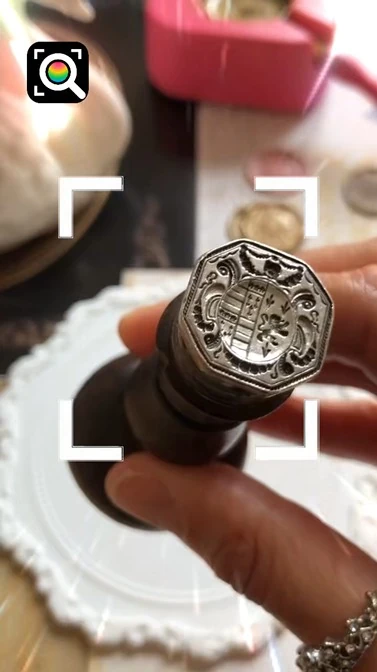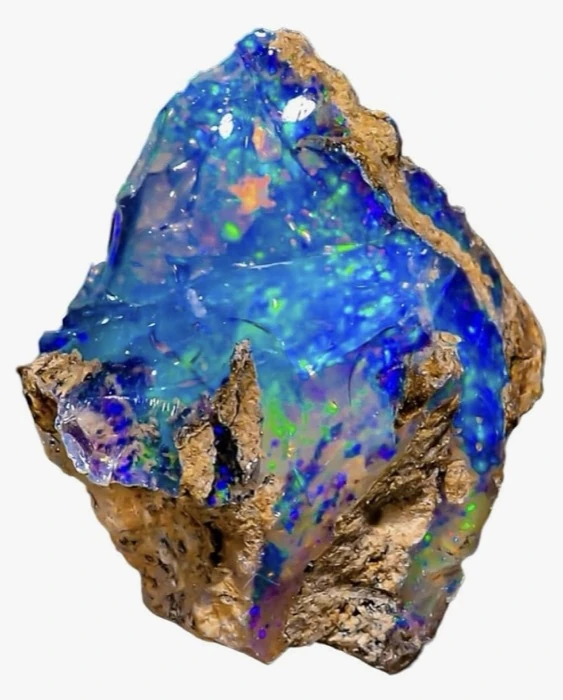
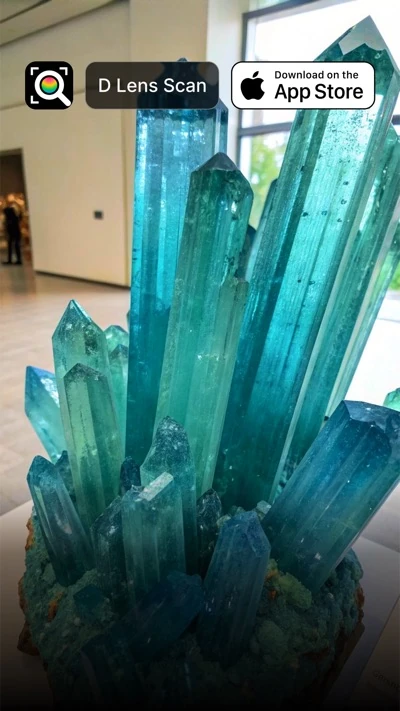
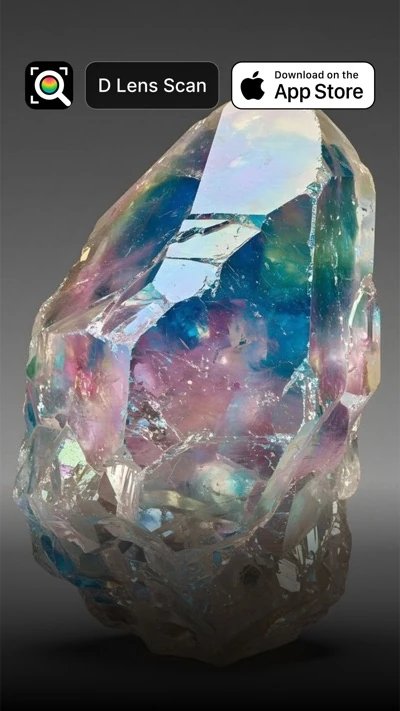
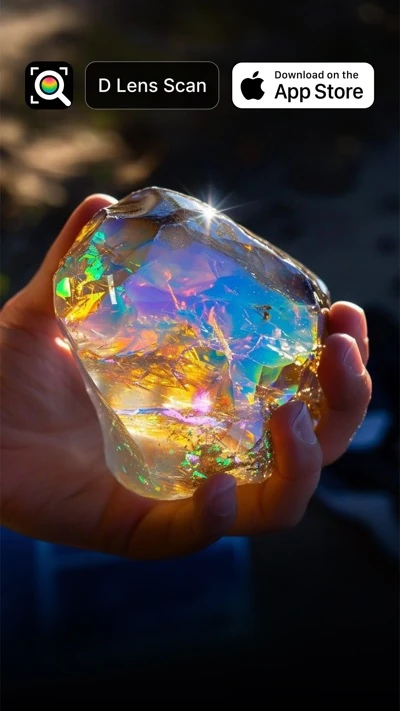
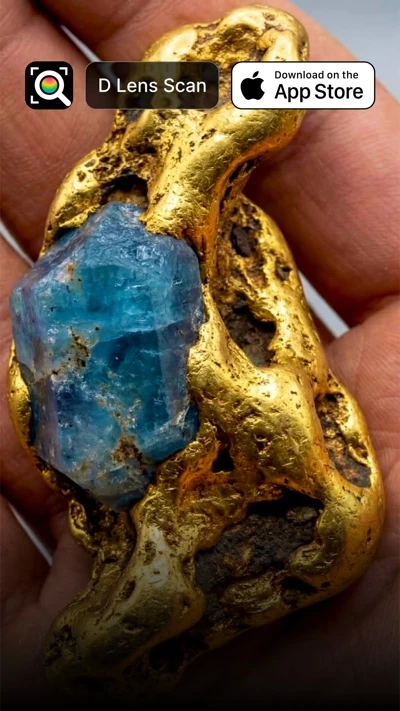
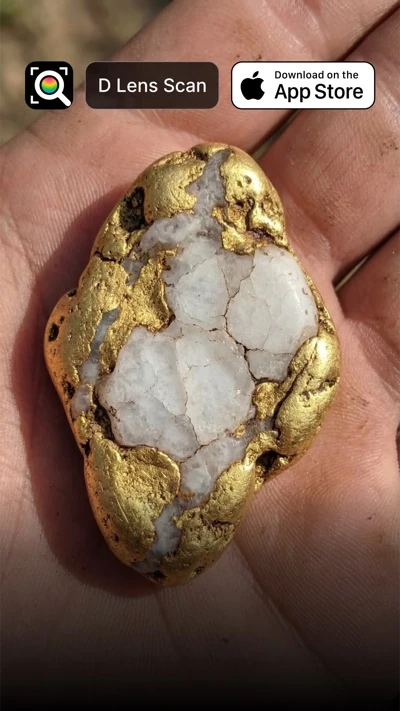
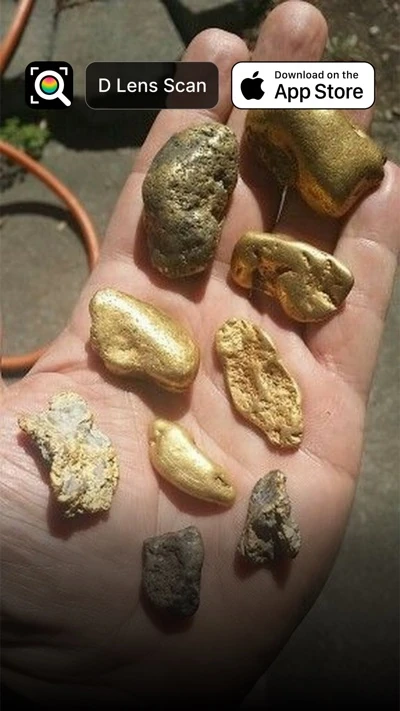
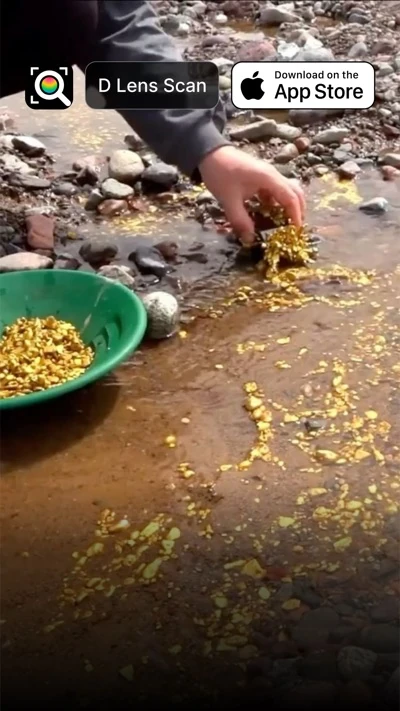
Gems & mineralsStones, crystals and minerals, identified.
Try it on anything
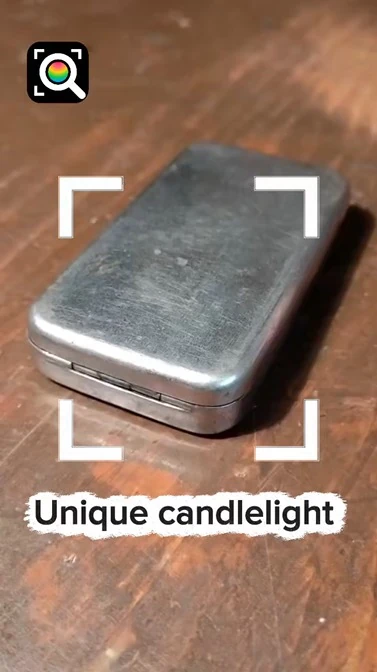
Pick something you own, find or love. D Lens tells you what it is, shows matching web results and where to look next.

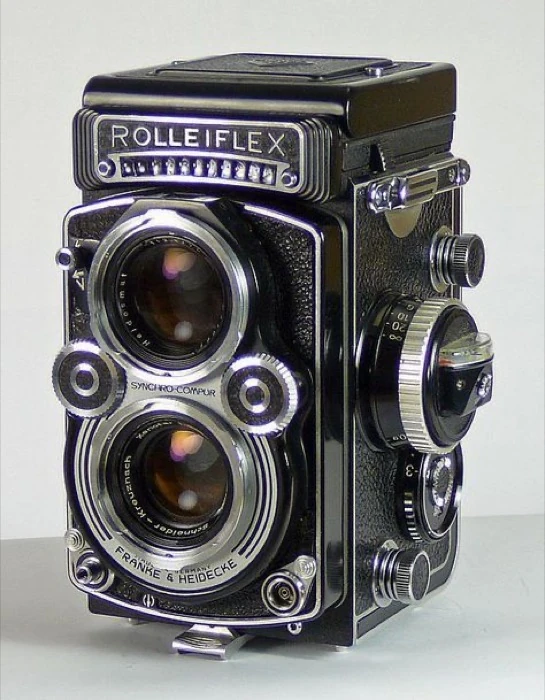

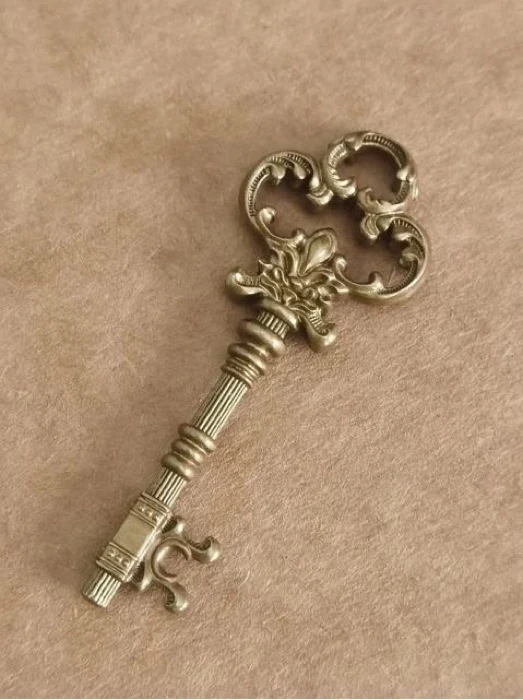
Image search & scanner for iPhone
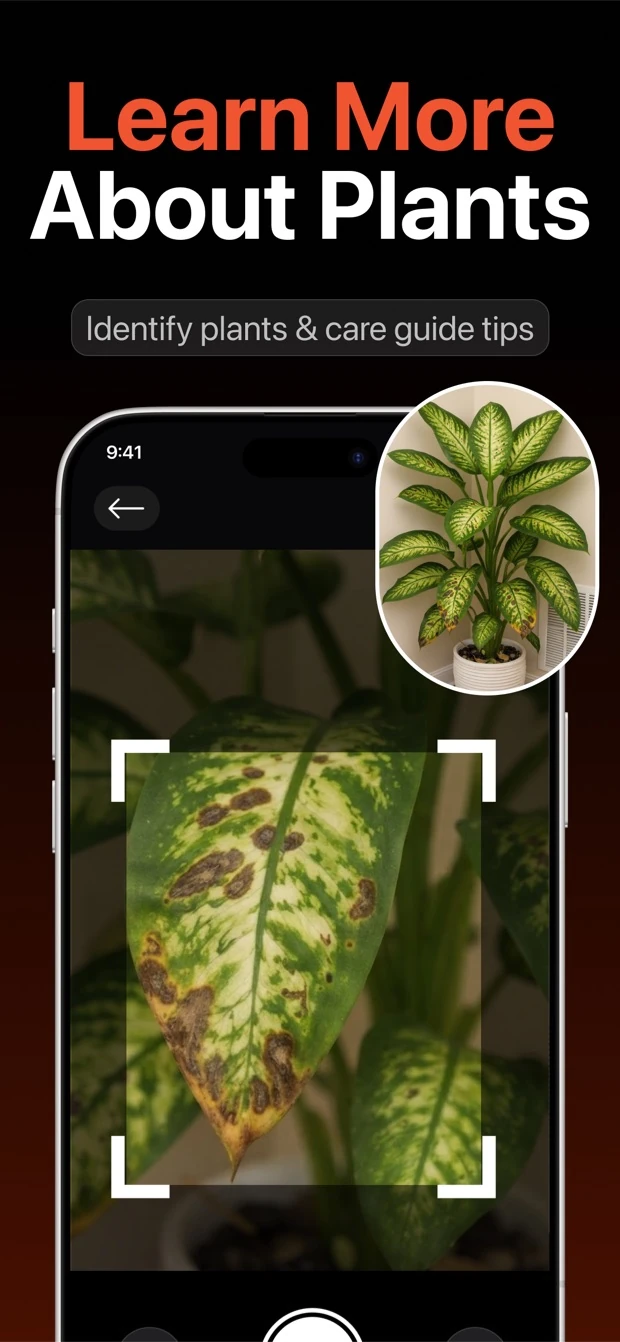
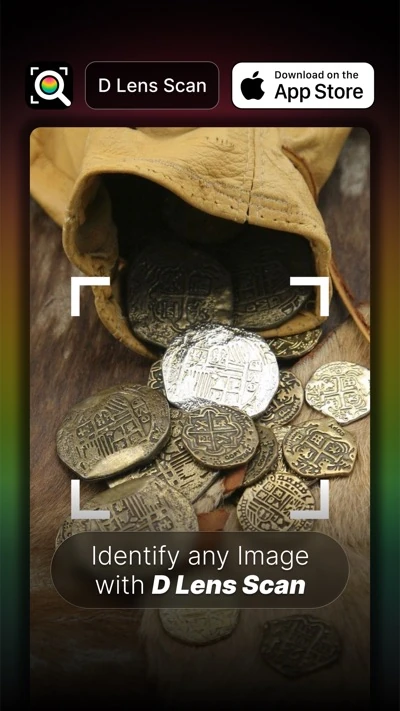
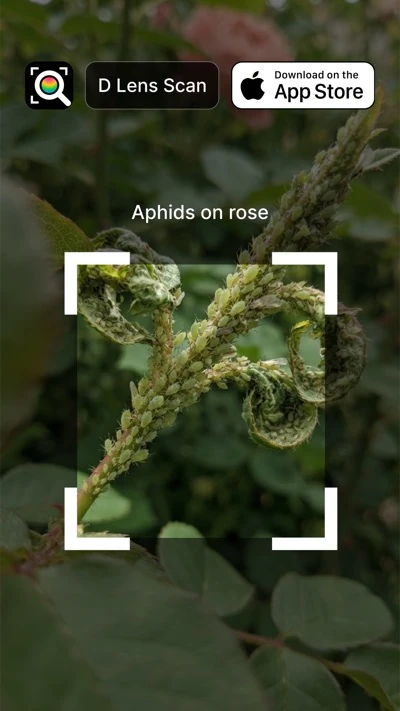
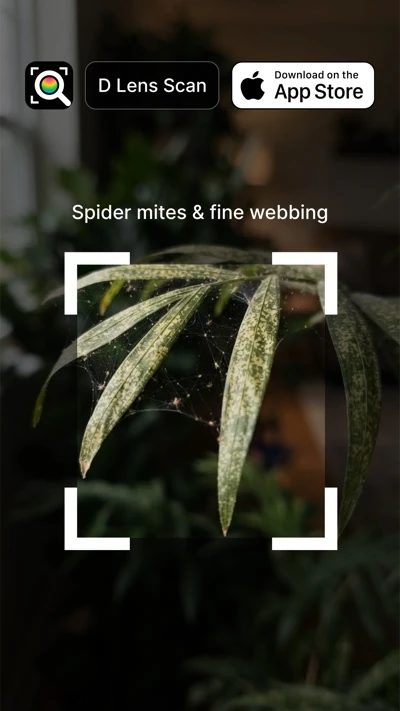
What is this plant? How rare is this coin? Is this old vase worth anything? D Lens turns your iPhone camera into a smart image search. Get the answer, the history, matching web results and where to buy it, in seconds.
No account. No sign-up. Works on iPhone.
Price comparison
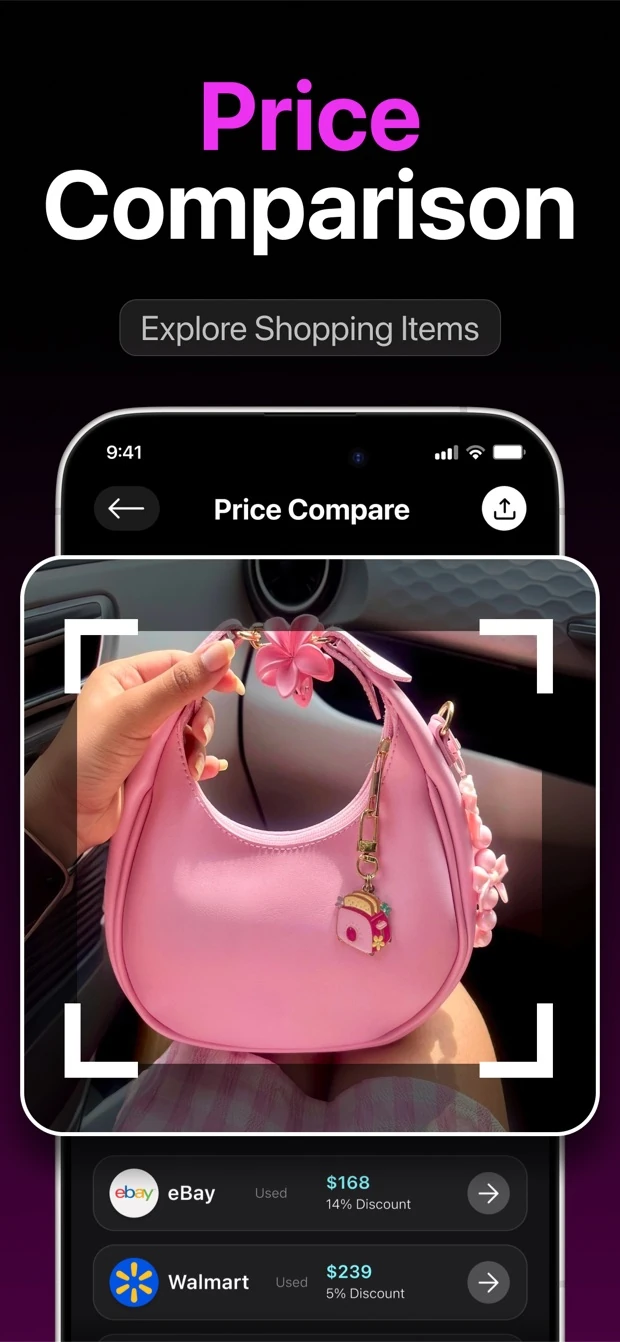
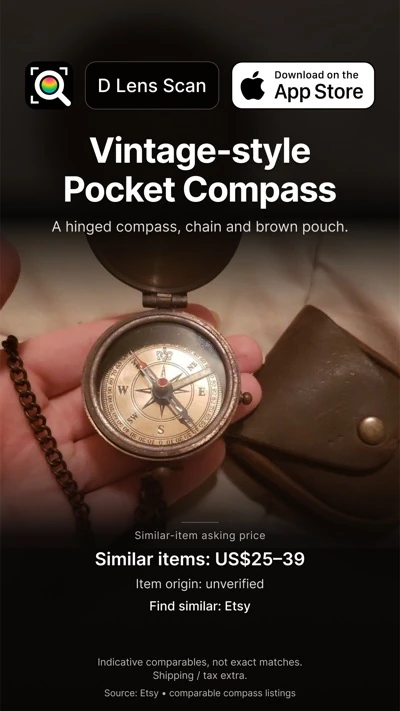
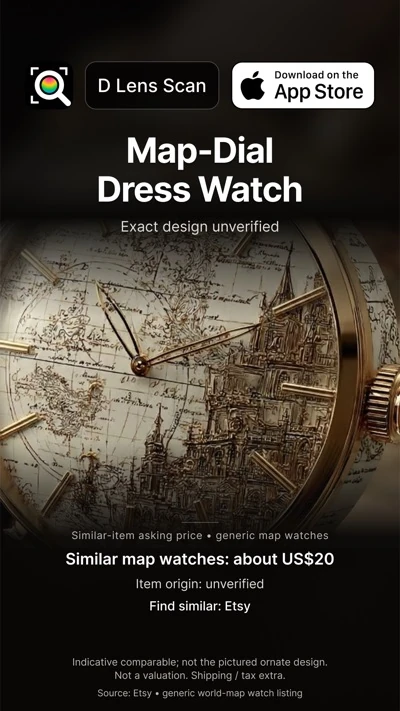
Scan a product and D Lens looks for it across online stores, then lists the prices side by side so you can spot a good deal before you buy.
Example from a real scan. Prices and stores change.
Everything has a story
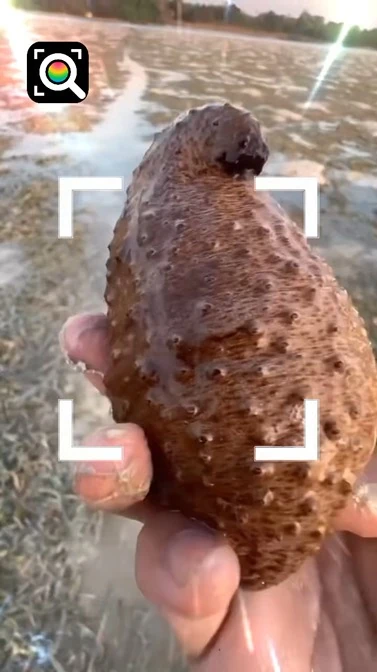
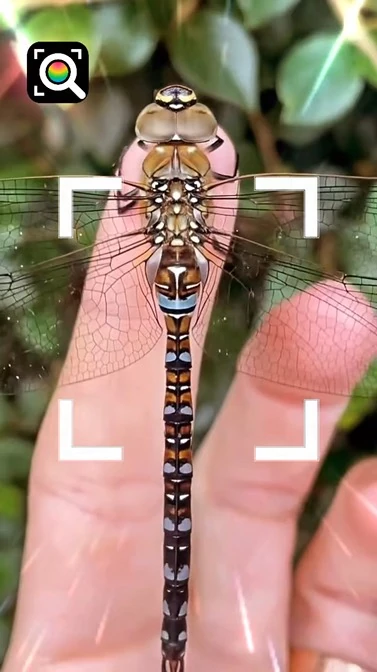
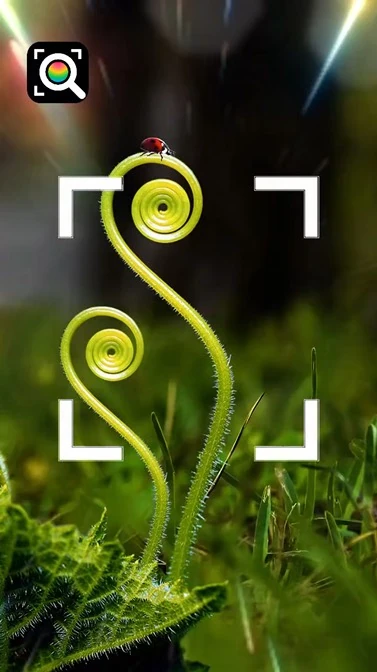
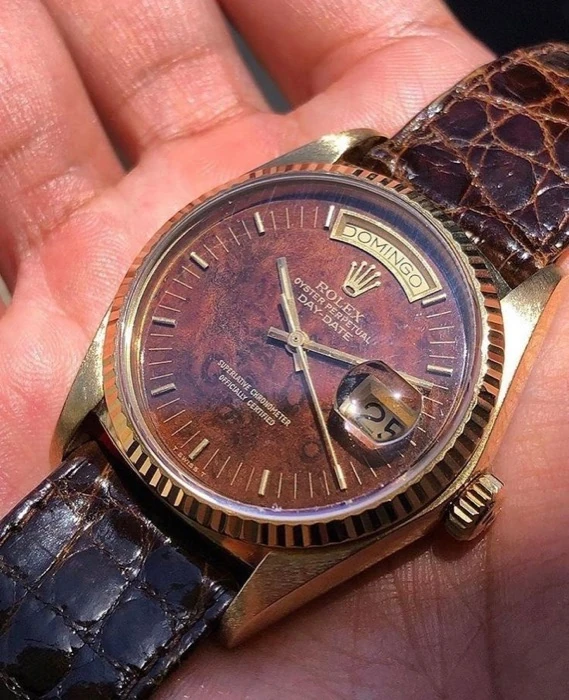
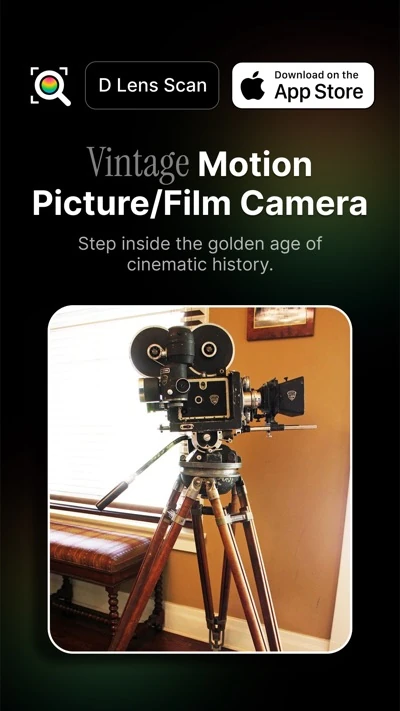
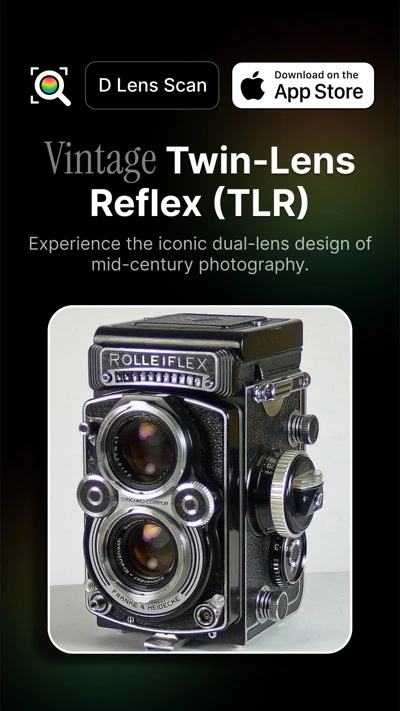
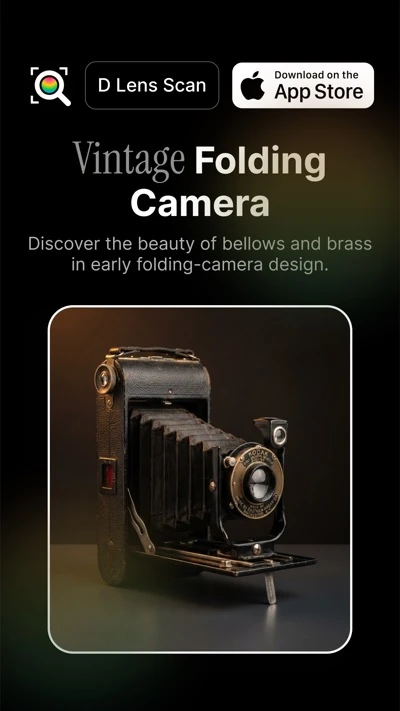
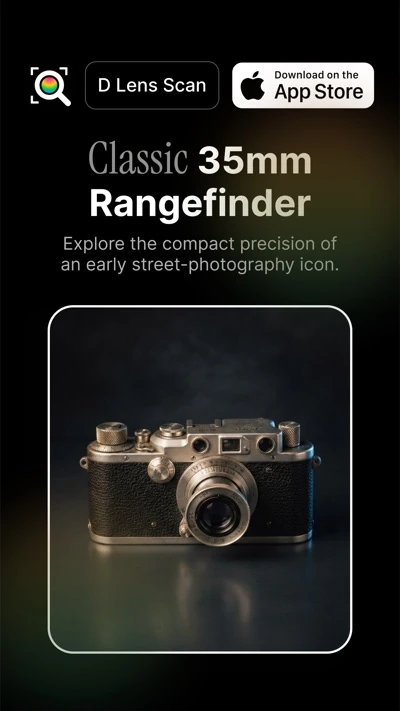
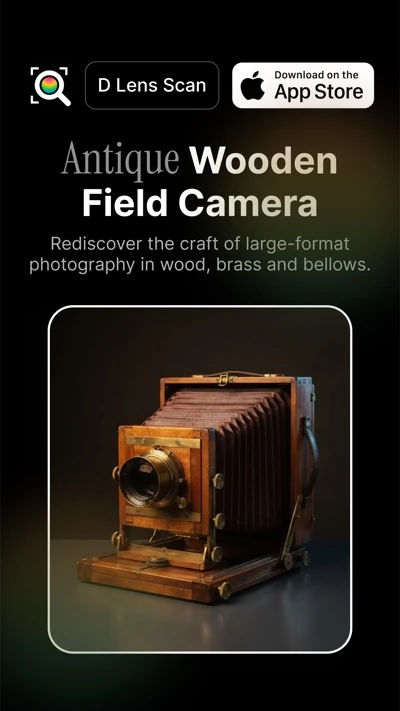
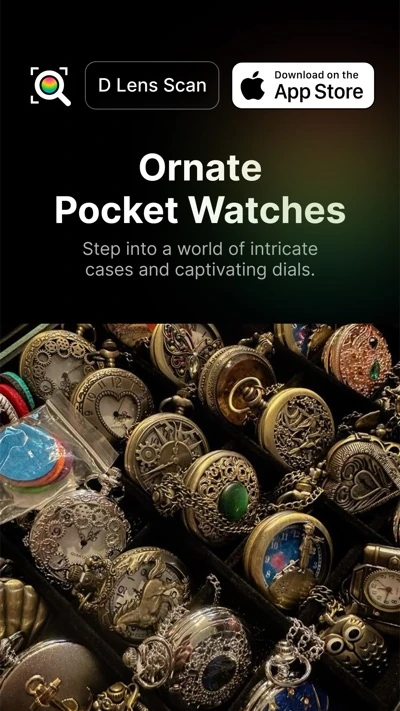
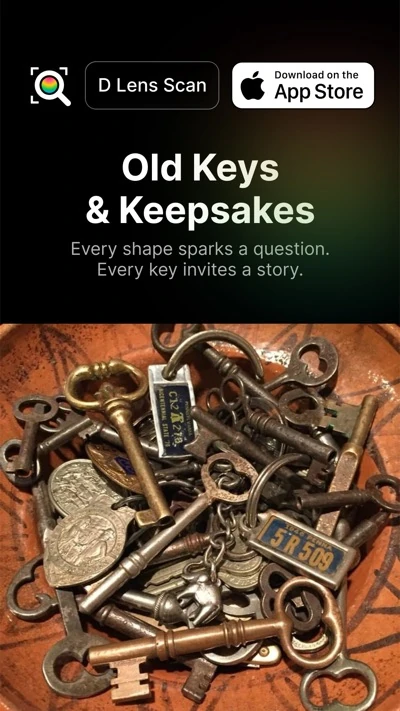
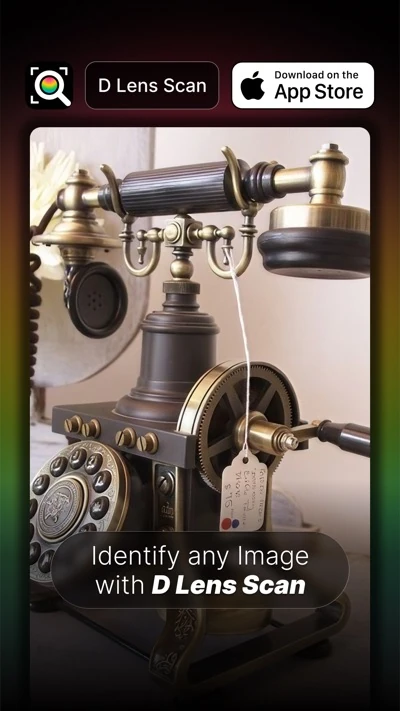
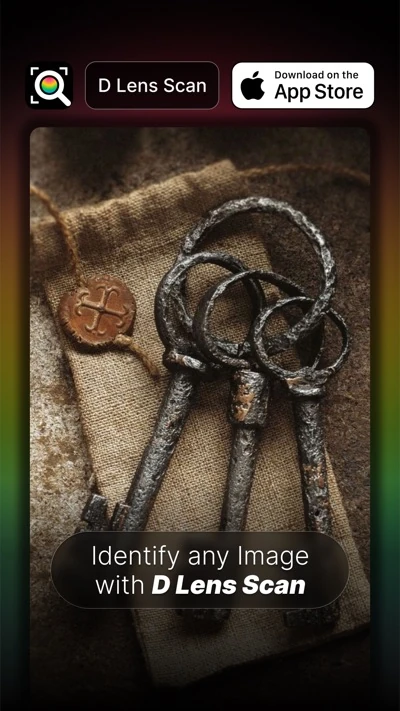
Watches, cameras, gems, old keys and books. Point your iPhone at something you find and see what it is, its history and where to learn more.


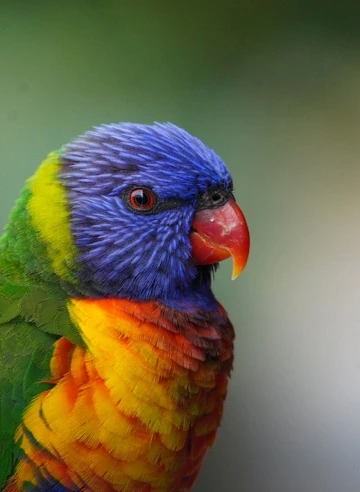
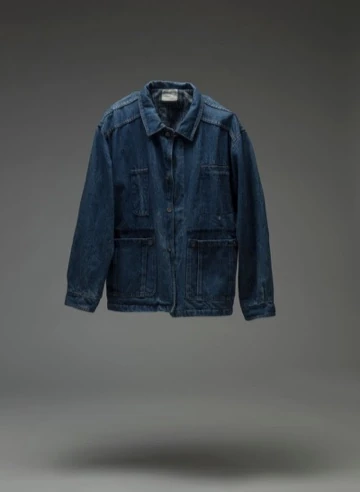



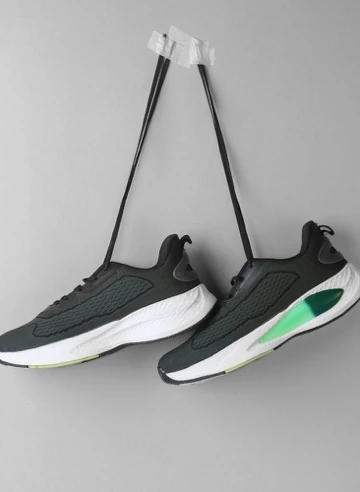



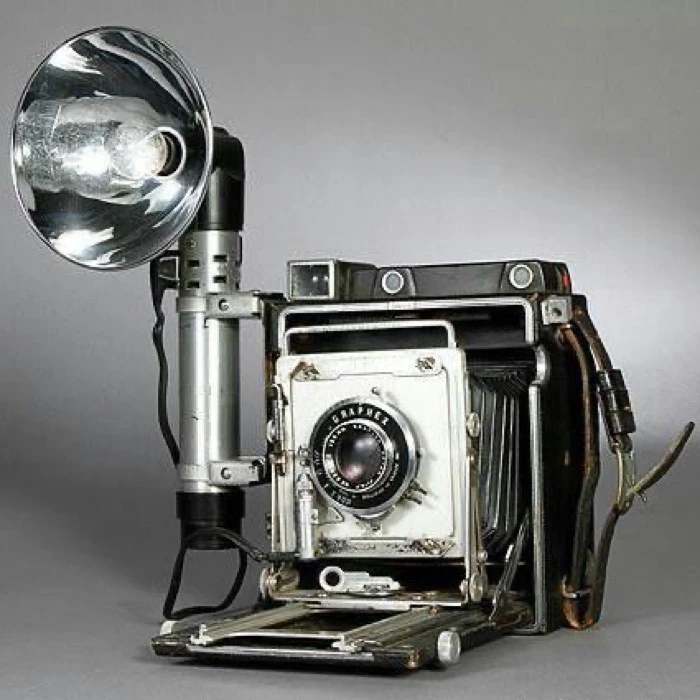








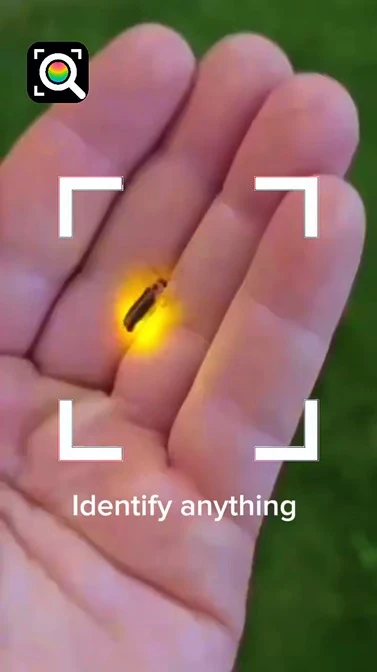
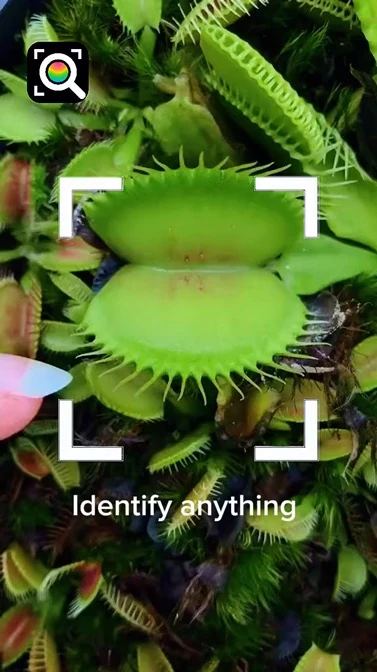
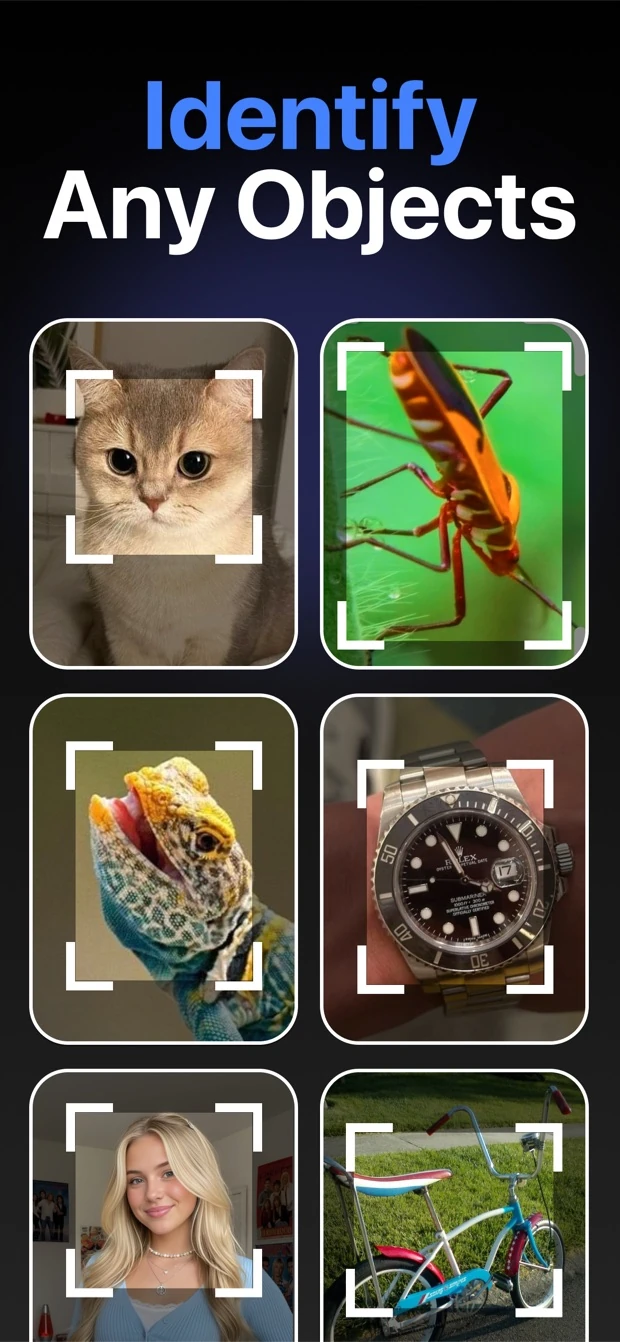
Identify anything
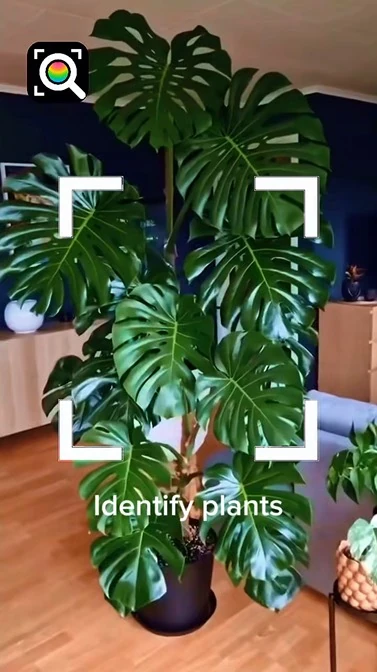
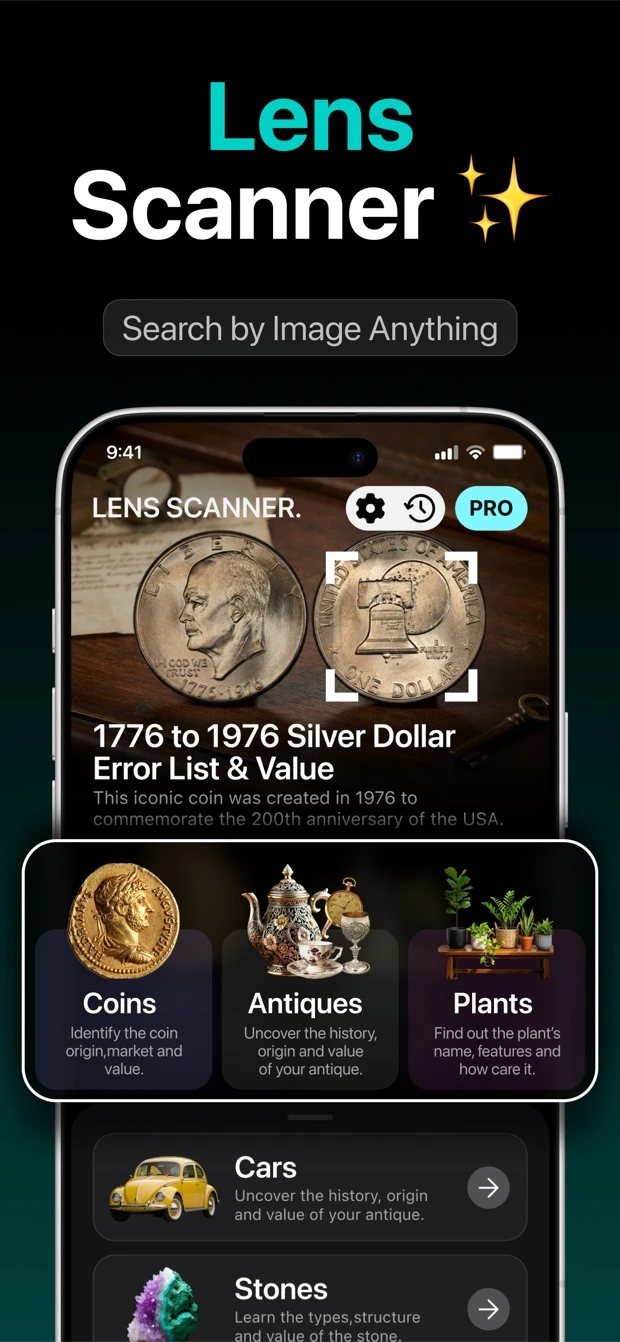
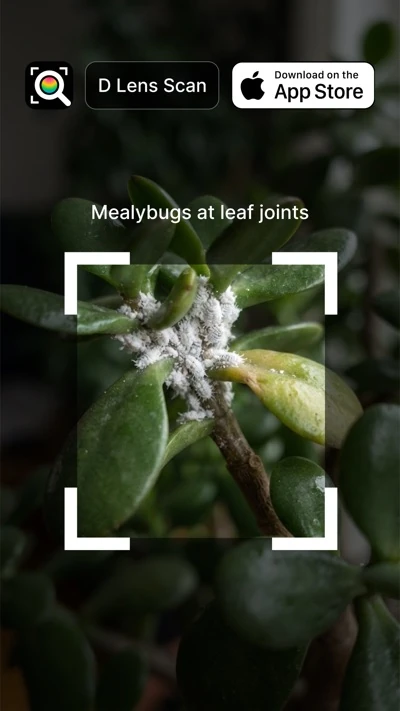
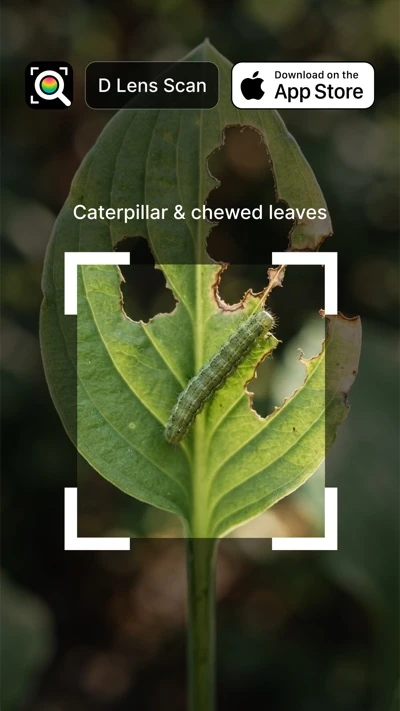
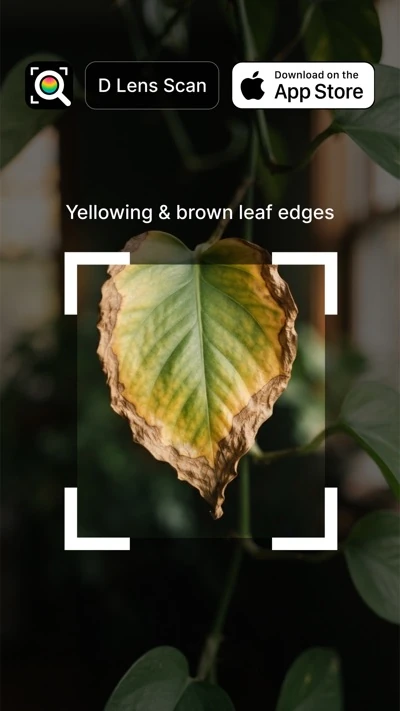
From pocket change to a plant on your windowsill. Choose a category on the Home screen, or just scan.
 Coins
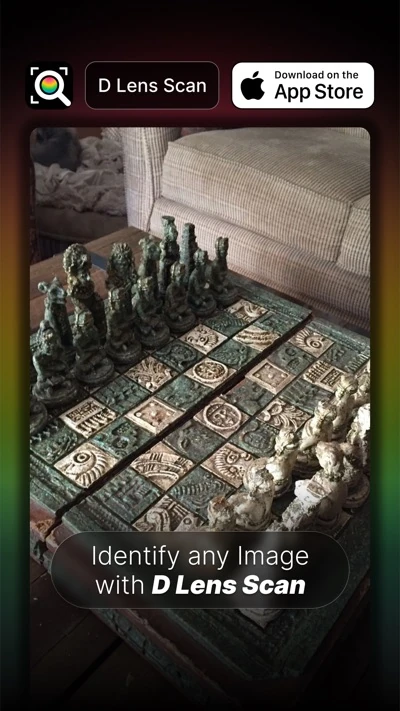
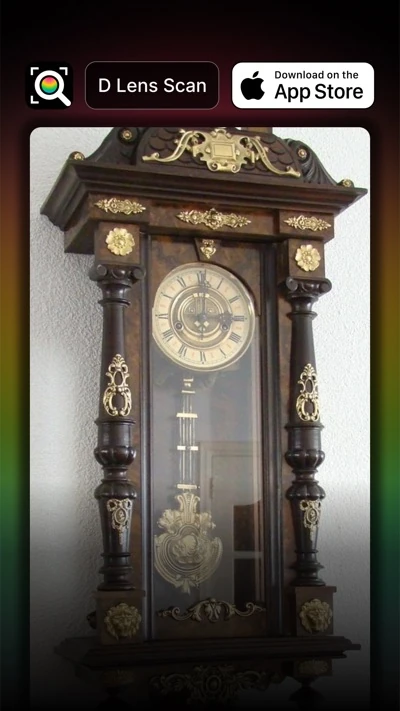
 Antiques
 Plants
 Education
 Law & Justice
 Music
 Movies
 Games
 Price Comparison
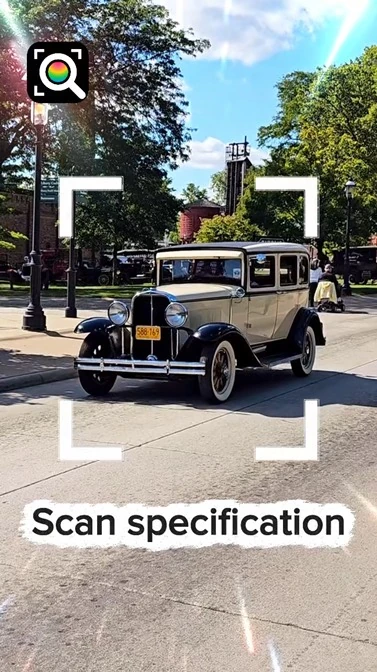
 Cars
 Stones
 News & Politics
 TCG Cards
 Food
 Paintings
 Stamps
 Pets
 Architecture
 Devices
 Clothing
 T-Shirts
 Video Games
 QR Codes
 Watch
 Medicine
 Book
 Helmet
 Motorbike
 Chocolate
 Glasses
 Furniture
 Perfume
 Music Instrument
 Fruits
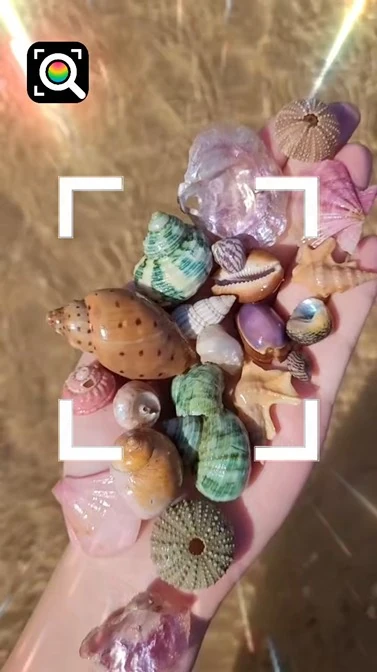
 Seashells
 AI Tools
And plenty more. If you can photograph it, you can scan it.
What you can do
See matching web results, like a reverse image search, with the source shown for every result.
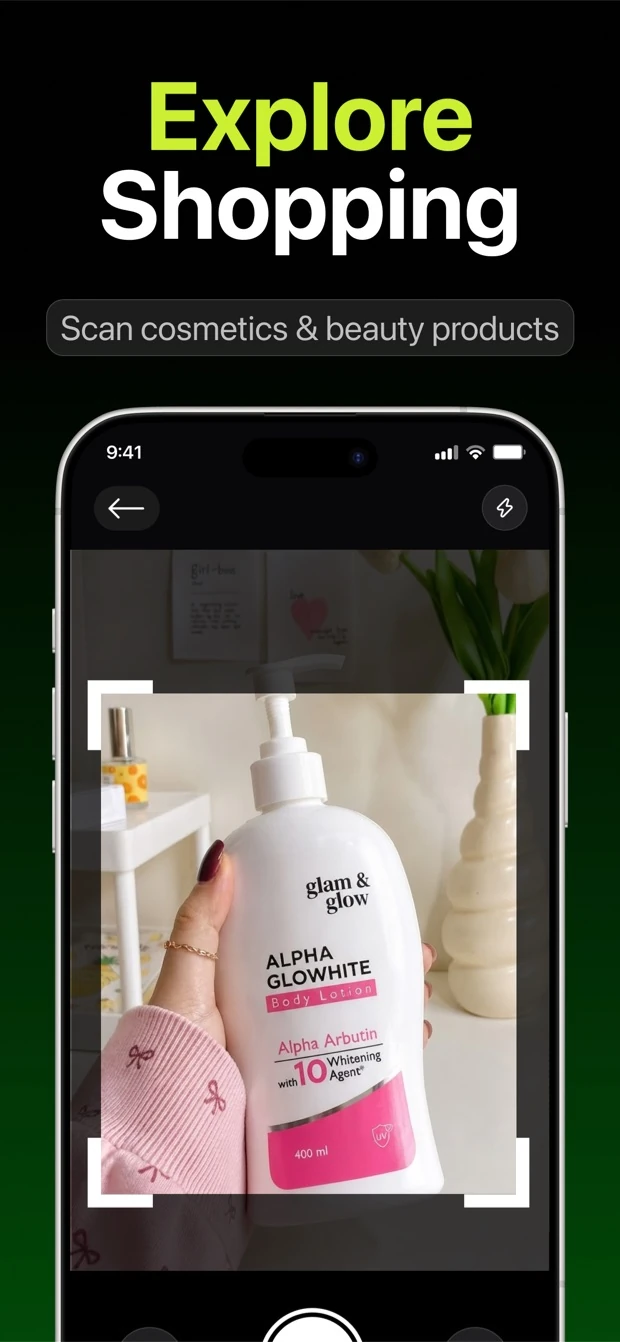
Scan a product to see offers from online stores side by side and find where to buy it.
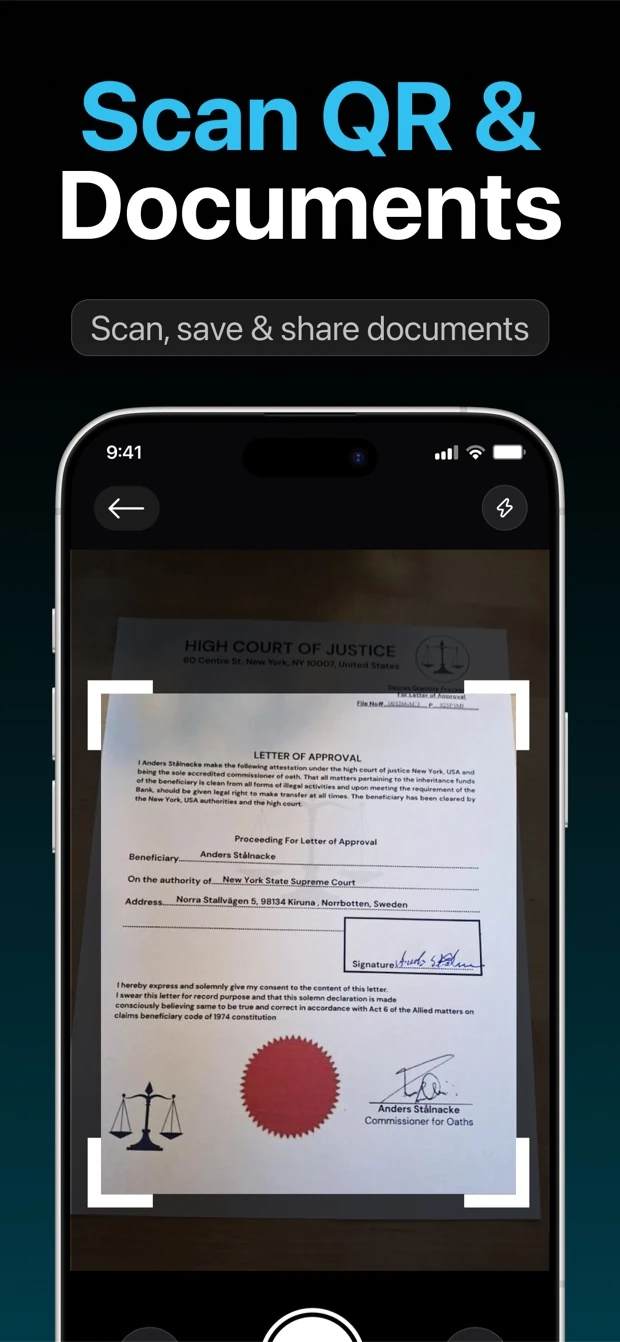
See what a code contains before you open a link, call a number or join Wi-Fi. Scanning happens on your device.
Chat about your result and get follow-up answers in plain language. Ask the history, the value or how to care for it.
Write, explain, summarize and translate text, straight from the Home screen.
Every scan is saved on your device, so you can find it again. Delete any item at any time.
How it works
Point your camera at something, or choose a photo from your library.
Frame what you want identified so the result stays focused.
See what it is, check the sources and compare prices.
Then ask AI anything else about it.
Live scores
Ask for live scores, today's matches, recent results and upcoming fixtures. Answers come from a live web search and show their source.
Scores come from a live web search and can be a few minutes behind.
 Live Score
 Live Cricket
 Football
Your privacy
D Lens needs your permission before it shares anything with outside AI services, and you can change your mind any time in Settings.
No sign-up, no login. Open the app and start.
We ask before a photo or message is sent to AI services. "Share with AI" can be switched off in Settings.
We don't use your photos or messages to train AI, and we don't sell your data.
D Lens does not identify people.
Read the full Privacy Policy.
Inside the app
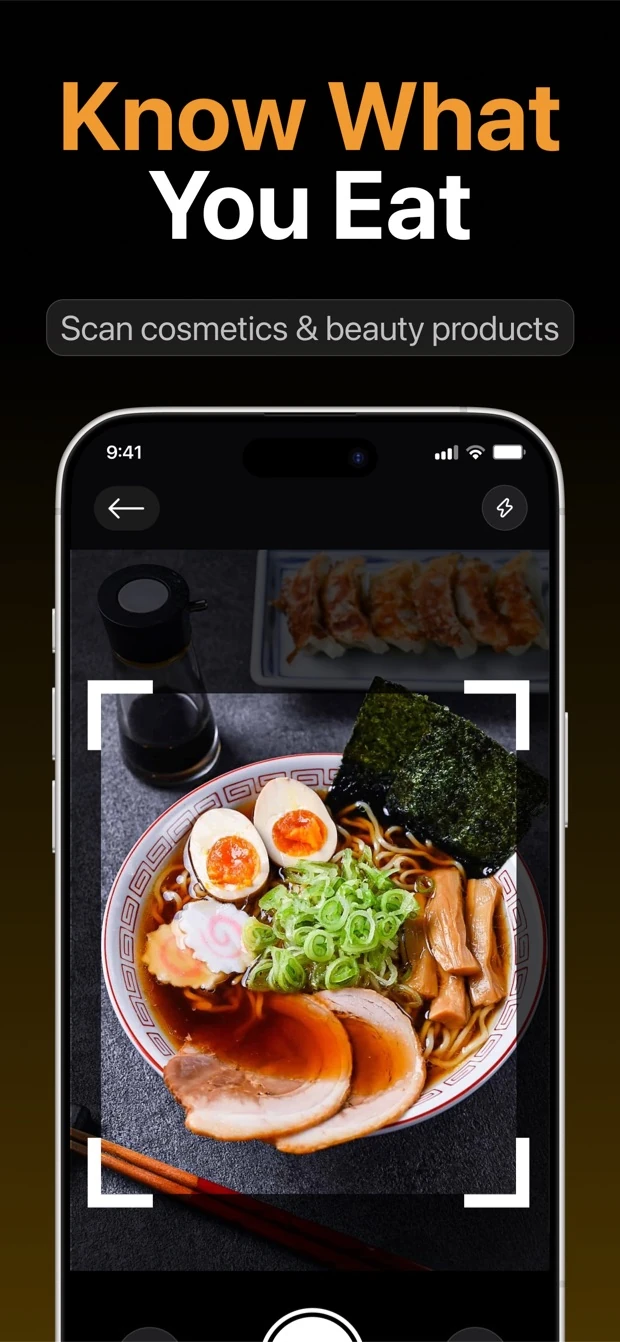
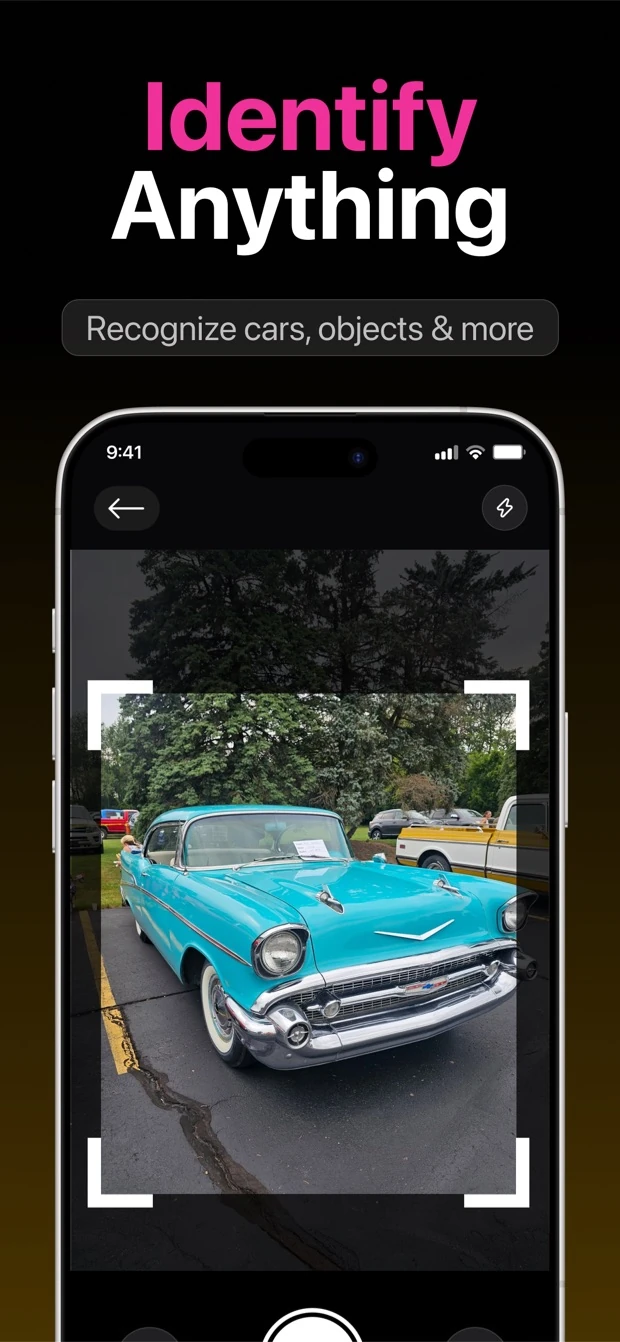
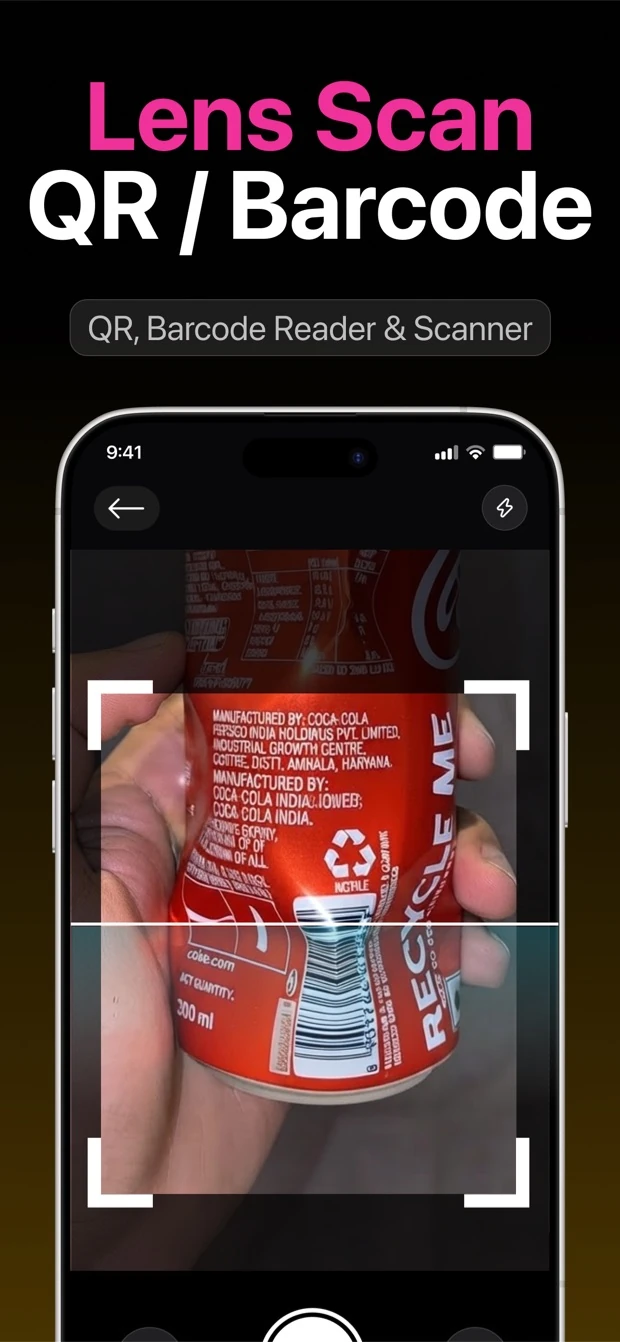
D Lens Pro
Prices are shown in the app before you subscribe. The yearly plan can include a 3-day free trial for new subscribers.
Get D LensD Lens Pro is an auto-renewing subscription, weekly or yearly. Payment is charged to your Apple ID account at confirmation of purchase. Subscriptions renew automatically unless auto-renew is turned off at least 24 hours before the end of the current period. The yearly plan's free trial, when offered, converts to a paid yearly subscription at the end of the trial unless you cancel at least 24 hours before it ends. Manage or cancel in your Apple ID account settings. See the Terms of Use and Privacy Policy.
Questions
No. There is no sign-up and no login. Your scan history is saved on your device.
Results come from AI and web sources, so they can be incomplete or wrong. Values and prices are estimates. Please don't rely on them for health, safety, medical, legal or financial decisions, or for the value or authenticity of an item.
We ask your permission before a photo or message is sent to AI services. Photos are sent over an encrypted connection to get your result. We don't use your photos or messages to train AI and we don't sell your data. See the Privacy Policy for details.
No. An internet connection is needed to get results.
No. There is no facial recognition, and D Lens does not identify people.
Open Settings on your iPhone, tap your name, then Subscriptions, and choose D Lens. You can also manage it from your Apple ID account settings. Cancel at least 24 hours before the period ends to avoid renewal.
Email brainempowers.apps@yahoo.com. You can also use "Contact Support" or "Report a Problem" in the app's Settings.
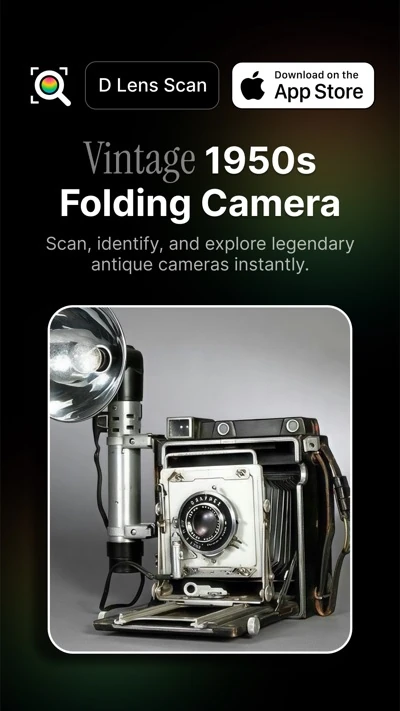











Download D Lens and point your camera at the first thing you're curious about.